

Home Office Setup Ideas 2026: Design a Productive Work-from-Home Space
The kitchen-table laptop setup was supposed to be temporary. For millions of remote and hybrid workers, it became permanent — along with the stiff neck, the aching lower back, and the 4 p.m. productivity crash. Here is the uncomfortable truth: a bad workspace quietly taxes you every single workday. But the fix is simpler than most people think. You do not need a dedicated office room or a designer budget.
The best home office setup ideas for 2026 focus on ergonomics first, lighting second, and aesthetics last — and most of the highest-impact changes cost little or nothing. This guide walks you through building a workspace that protects your body, sharpens your focus, and looks professional on every video call. Even the right color palette can transform how a work corner feels, so we will cover design alongside function.
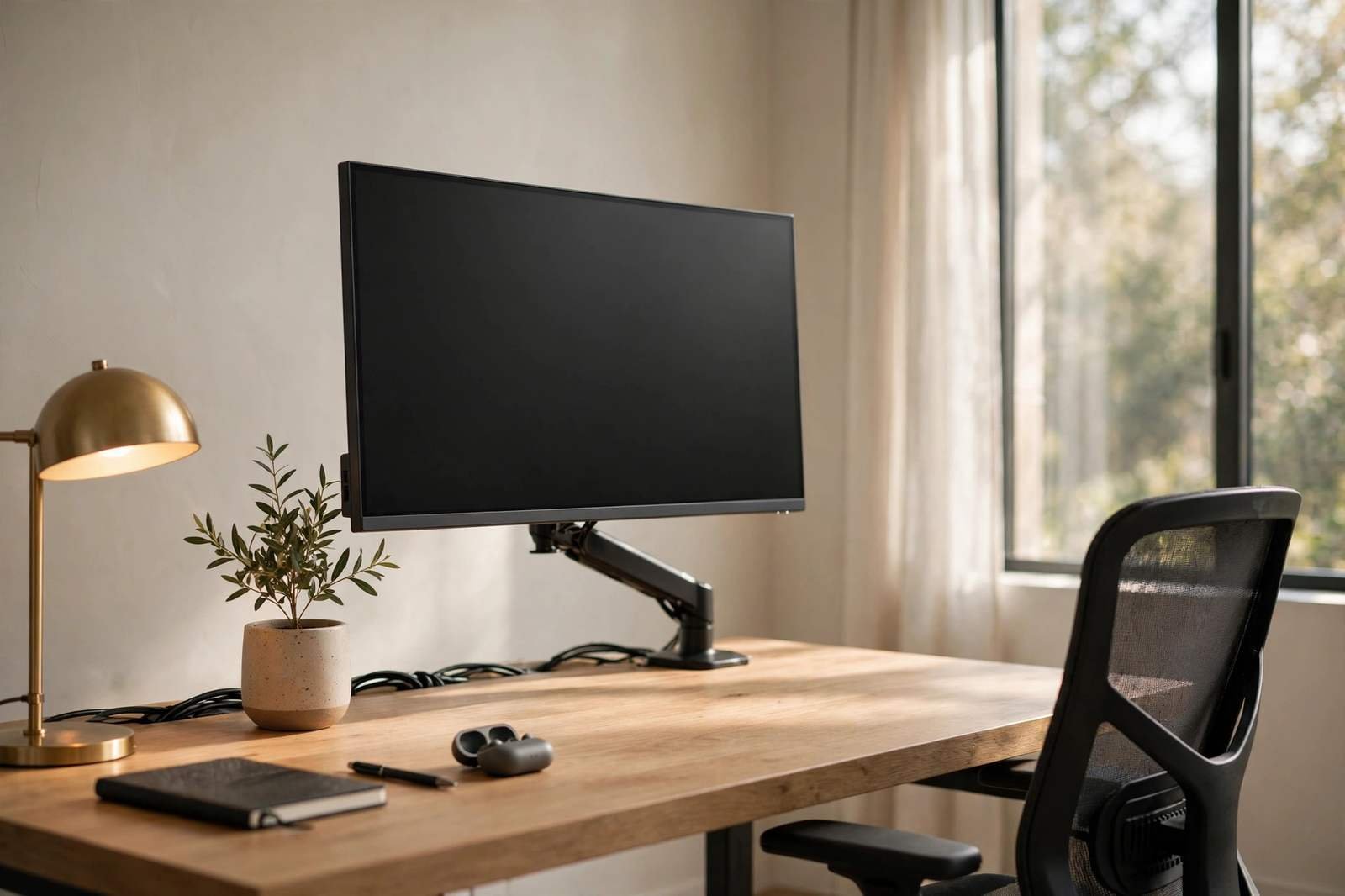
Home Office Ergonomics: The Desk, Chair, and Monitor Rules
Ergonomics is the foundation every home office setup rests on. If your body hurts by midday, no amount of stylish decor will save your productivity. Research consistently links ergonomic setups to less musculoskeletal pain and measurably higher task completion. Three rules cover most of it:
- Screen at eye level. The top edge of your monitor should meet your eyes when you sit upright. This is the single most important ergonomic fix — and a laptop flat on a desk violates it completely. Use a monitor arm, a stand, or even a stack of books.
- Keyboard and mouse on the same plane, in front of your body. Your elbows should rest near 90 degrees, with wrists straight — not bent up or down.
- Feet flat, back supported. Your feet should rest flat on the floor (or a footrest), with your lower back supported by the chair. If your chair lacks lumbar support, a rolled towel works surprisingly well.
Read More: Furniture Trends Redefining Comfort, Sustainability, and Style in Modern Living
The chair deserves the first dollar of your home office setup budget. An ergonomic, adjustable chair is the single biggest comfort upgrade most people can make — more impactful than a fancier monitor or a standing desk. If a full ergonomic chair is out of reach, prioritize lumbar support and seat height adjustability; those two features solve most sitting pain. A height-adjustable desk is the next best investment, because alternating between sitting and standing through the day reduces the stiffness that builds from eight hours in one position.
The 90-Degree Rule
Do a quick self-audit of your home office setup right now: elbows at roughly 90 degrees, knees at roughly 90 degrees, monitor top at eye level, and no craning your neck down or up. If all four check out, your ergonomics are fundamentally sound. Everything else is refinement.
Home Office Lighting Ideas That Reduce Eye Strain
Bad lighting causes headaches, eye fatigue, and that drained feeling at the end of the day — and it is one of the most common flaws in any home office setup. The formula is simple: natural light as the base, task light for detail work, and no harsh overhead glare.
- Put your desk near a window — but not facing it or backing it. Side-on to the window is the sweet spot: you get daylight without screen glare or a blown-out video-call background.
- Add a task lamp or monitor light bar. A warm desk lamp or a monitor-mounted light bar illuminates your work surface without taking up desk space or shining into your eyes.
- Layer your light. Combine daylight with one ambient source (floor lamp or ceiling) and one task source (desk lamp). Three gentle sources beat one harsh overhead every time.
- Match color temperature. Aim for warm-to-neutral light (around 2700–4000K) in your workspace. Cold, bluish light feels clinical and increases eye strain over long days.
Fix Your Video Call Lighting
If you spend hours on video calls in your home office setup, lighting matters twice: once for your eyes, once for how you look. Face your main light source (window or lamp) so it falls on your face, not behind you. A person backlit by a window becomes a silhouette; the same person with soft front light looks clear and professional.
Best Home Office Layouts for Small Spaces
No spare room? You are in the majority. The best small-space home office setup ideas work with corners, closets, and shared rooms rather than fighting them.
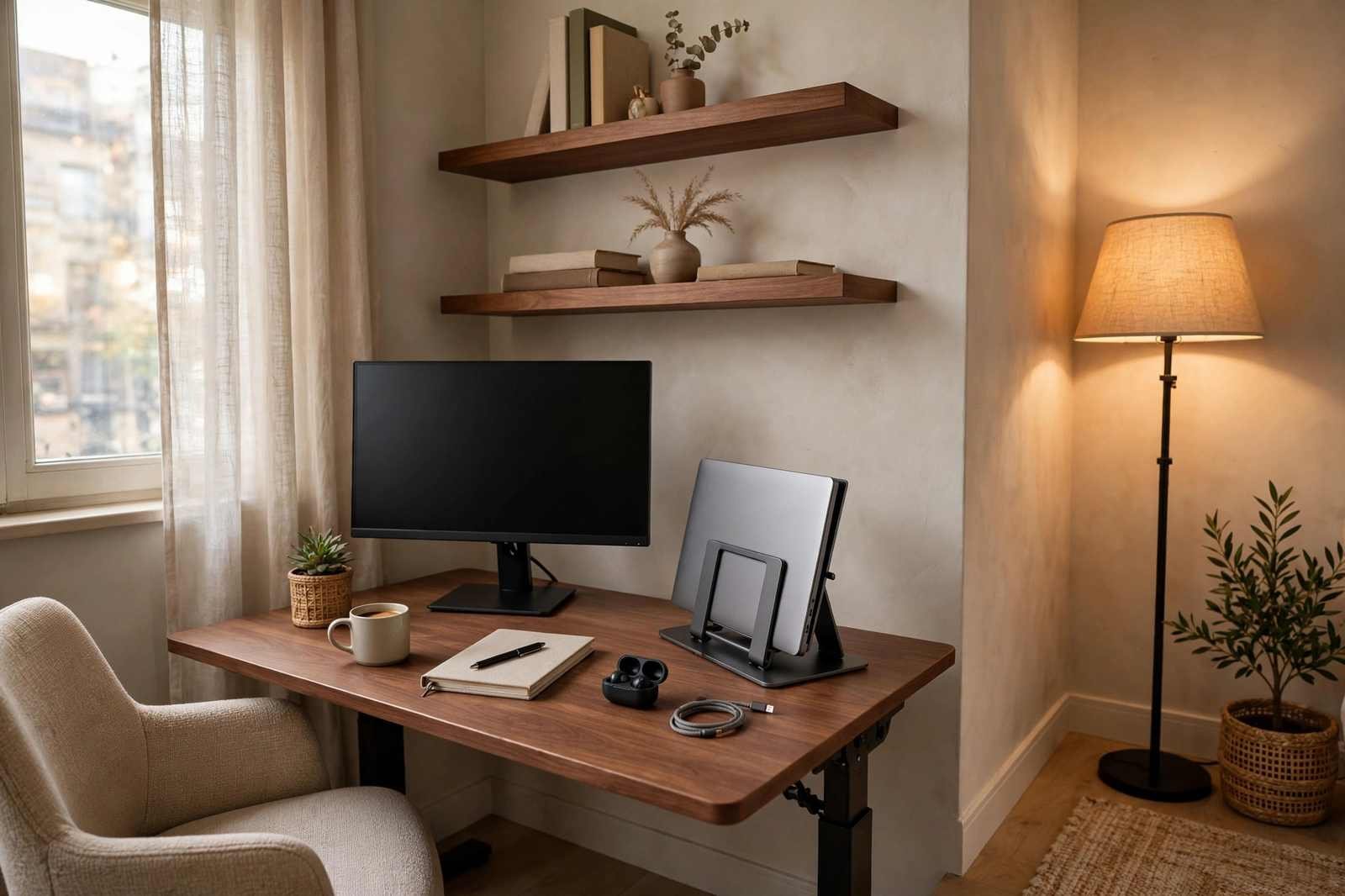
- The corner command center. An L-shaped or corner desk turns dead corner space into a generous work surface. Corners feel naturally enclosed, which helps focus.
- The closet office (“cloffice”). Remove the doors from a reach-in closet, add a shallow desk and a shelf, and you have a workspace that literally closes away at 6 p.m.
- The fold-away desk. Wall-mounted drop-leaf desks or slim console tables create a full workstation in under 30 inches of depth, then disappear when the workday ends.
- The living-room zone. Define a work zone within a larger room using a rug, a bookshelf divider, or simply by facing the desk toward the wall. A visual boundary tells your brain when it is work time and when it is not.
Measure Twice, Buy Once
In small spaces, scale is everything. A desk that is two inches too deep can block a walkway and make the whole room feel cramped. Measure your space — including chair clearance behind the desk (aim for at least 30 inches) — before buying anything for your home office setup. A compact 48×24-inch desk fits most workflows; step up to 60×30 inches only if you have the depth for it.
Home Office Cable Management: Hide the Clutter
Cables are the silent killer of a calm home office setup. A desk with seven visible cables reads as chaos; the same desk with one visible cable reads as professional. Cable management is cheap, fast, and disproportionately satisfying.
- Gather everything into one under-desk power strip. Mount the strip under the desk surface with adhesive or screws so chargers and bricks live out of sight.
- Use a cable tray or box. Route all cables from the desk surface down into a single tray or closed box. One container, zero spaghetti.
- Run a single sleeve down one leg. Bundle the remaining cables in one braided sleeve along a rear desk leg to the outlet.
- Go wireless where it counts. A wireless keyboard and mouse instantly remove two of the most annoying cables from your desk.
Control Noise Without Renovating
Household noise — kids, pets, traffic, the neighbor’s renovation — is the top distraction complaint for any home office setup, and you cannot always rebuild the room. But you can control what reaches your ears and your microphone.
- Noise-canceling headphones are the highest-ROI noise purchase for deep work. They pay for themselves in recovered focus within weeks.
- A decent microphone matters more than a fancy webcam for calls. A headset mic or a simple USB microphone with noise suppression makes you sound clear even in a noisy house.
- Soft furnishings absorb sound. Rugs, curtains, bookshelves, and upholstered furniture all dampen echo. A bare room with hard floors is an echo chamber; textiles fix it.
- Set expectations. A shared “on a call” signal — a closed door, a small sign, a status light — prevents most household interruptions.
Design a Camera-Friendly Home Office Background
Your background is now part of your professional image. It does not need to be a showroom — it needs to look intentional, tidy, and calm. Recruiters, clients, and colleagues all form impressions from what they see behind you.
- Keep it simple. A clean wall, a bookshelf, or closed storage reads as professional. Cluttered shelves and laundry piles do not.
- Add one or two intentional touches. A plant, a piece of art, or a few books add warmth without distraction. The rule of thumb: if it pulls the eye during a call, remove it.
- Check your camera preview before every call. What looks fine in person can reveal a messy corner or an unflattering angle on camera. Thirty seconds of checking saves a bad impression.
- Virtual backgrounds are a backup, not a plan. They glitch, blur your edges, and eat processing power. A real, tidy background always looks better.
Home Office Setup Mistakes to Avoid
- Working from the couch or bed. It destroys your posture, blurs the line between rest and work, and trains your brain to associate your rest spaces with stress.
- Buying gear before fixing geometry. A $500 monitor at the wrong height helps less than a $30 stand that puts your existing screen at eye level. Fix positions first, buy upgrades second.
- Ignoring lighting. People spend hundreds on chairs while working under a single harsh ceiling bulb. Light quality affects energy and eye comfort all day long.
- Letting cables multiply. Every new gadget adds a cable. Without a management plan, the desk slowly descends into chaos within months.
- No end-of-day reset. Spend two minutes each evening clearing the desk and closing work tabs. Starting tomorrow at a clean desk measurably lowers morning stress.
Home Office Setup Checklist by Budget
| Budget | Buy First | Add Next |
|---|---|---|
| $0 — free fixes | Raise monitor to eye level (books/boxes); side-on to window; clear the desk | Phone out of reach during deep work; nightly 2-minute desk reset |
| Under $100 | Laptop stand + wireless keyboard/mouse; cable management kit | Desk lamp or monitor light bar; lumbar cushion |
| $100–$500 | Ergonomic task chair (best value upgrade) | 27-inch monitor on an arm; noise-canceling earbuds |
| $500+ | Height-adjustable standing desk | Quality webcam + USB microphone; second monitor or ultrawide |
Small-Space Desk Size Guide
| Your Space | Recommended Desk Size | Best Layout |
|---|---|---|
| Tight corner or closet | 40–48 in wide × 20–24 in deep | Wall-mounted or closet office |
| Bedroom or living-room zone | 48 in wide × 24 in deep | Desk against wall with rug-defined zone |
| Dedicated small room | 55–60 in wide × 28–30 in deep | Corner desk or L-shape |
| Full home office room | 60–72 in wide × 30 in deep | Freestanding desk, room to walk around |
The science behind getting your workspace geometry right is ergonomics — the study of designing environments that fit the human body instead of forcing the body to fit the environment.
Home Office Setup Ideas: Common Questions
What is the most important part of a home office setup?
Ergonomics — specifically, getting your screen to eye level and supporting your back. Pain and stiffness drain focus faster than any missing gadget. Fix your seating and screen geometry before spending on anything else.
How much does a good home office setup cost?
The highest-impact fixes are free: monitor height, desk position, lighting direction, and decluttering. Under $100 covers a laptop stand, wireless peripherals, and cable management. A genuinely excellent setup — ergonomic chair, good monitor, standing desk — typically runs $500–$1,000, bought in stages.
What is the best desk size for a small room?
A 48×24-inch desk suits most small rooms and workflows — enough for a monitor arm, laptop stand, and keyboard with writing space. Go shallower (20 inches deep) only if walkway clearance demands it, and measure chair clearance before buying.
Should I get one big monitor or two monitors?
For most people, one large 27–32-inch monitor at eye level beats two mismatched screens. Dual monitors only pay off if your work genuinely needs parallel views — and if you go dual, keep both at the same height to avoid constant neck adjustments.
How do I make my home office look professional on video calls?
Face your light source so it falls on your face, keep the background simple and tidy with one or two intentional touches, position the camera at eye level, and check your preview before every call. Good lighting matters more than an expensive webcam.
Is a standing desk worth it?
Yes — if you actually alternate positions. A sit-stand desk with memory presets, paired with an anti-fatigue mat, meaningfully reduces the stiffness of all-day sitting. It is not a substitute for exercise, but it is one of the best upgrades for long workdays.
Conclusion: Build the Workspace Your Work Deserves
A great home office setup in 2026 is not about the most expensive gear — it is about getting the fundamentals right. Screen at eye level, back supported, daylight from the side, cables hidden, background tidy, and a two-minute reset at the end of each day. Start with the free fixes this weekend, add one upgrade per month in priority order, and watch what happens to your focus, your comfort, and the way you show up on camera. Your home office setup should work as hard as you do — now it can.
